8 min read
Most VPNs route all your traffic through the encrypted tunnel. That's the safest approach. But sometimes you need some traffic to bypass the VPN — and that's where split tunnelling comes in.
What Is Split Tunnelling?
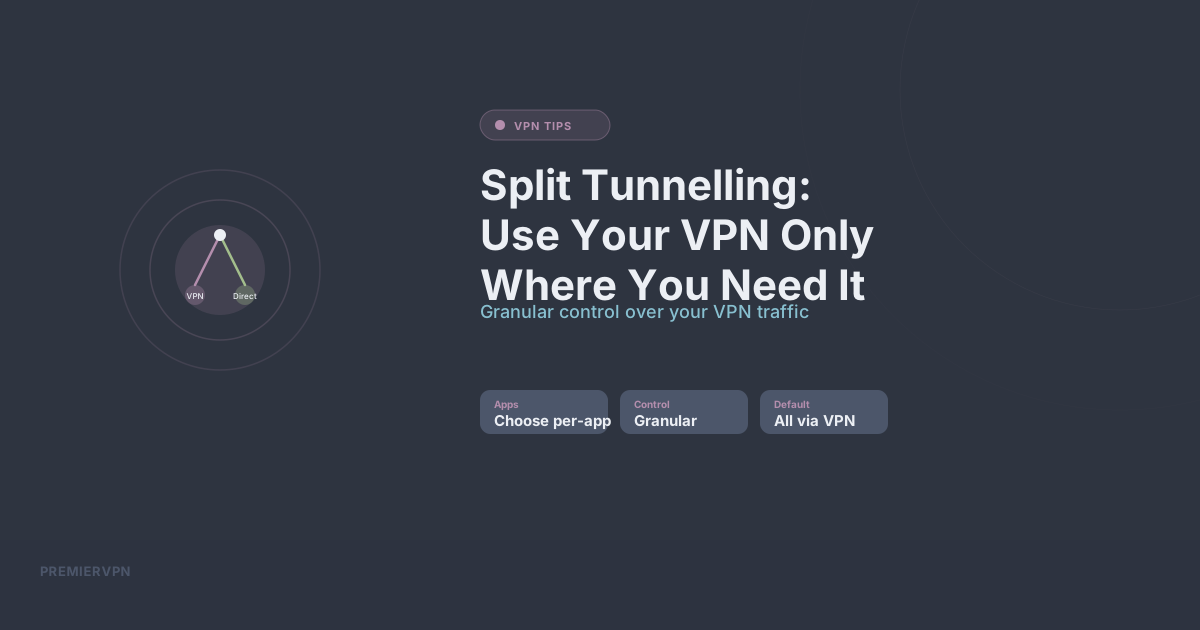
Split tunnelling lets you choose which applications or websites use the VPN tunnel and which connect directly through your normal internet connection. Instead of all-or-nothing, you get granular control.
When Split Tunnelling Makes Sense
Local Network Access
When you're connected to a VPN, you typically can't access local network devices — your printer, NAS drive, or smart home hub. Split tunnelling lets you exclude local network traffic from the VPN so these devices remain accessible.
Banking Apps That Block VPNs
Some banking apps flag VPN connections as suspicious. With split tunnelling, you can exclude your banking app from the VPN while keeping everything else protected.
Speed-Sensitive Applications
Online gaming or video conferencing can be sensitive to the slight latency a VPN adds. Split tunnelling lets you route your game or Zoom call directly while keeping your browser, email, and other apps on the VPN.
Streaming Local Content
If you're connected to a foreign VPN server to access geo-restricted content, you might want your local news app or local streaming service to still use your real IP.
When NOT to Use Split Tunnelling
If your primary concern is privacy from your ISP, split tunnelling weakens your protection. Any traffic that bypasses the VPN is visible to your ISP. If you're on public Wi-Fi, don't use split tunnelling at all — everything should go through the VPN.
Types of Split Tunnelling
App-based: Choose specific apps to include or exclude from the VPN. Most common on mobile and desktop VPN clients.
URL/domain-based: Route specific websites through or around the VPN. Less common but useful for web-based services.
Inverse split tunnelling: Instead of choosing what bypasses the VPN, you choose what goes through it. Everything else uses the direct connection. Useful when you only need the VPN for one or two specific apps.
How to Enable Split Tunnelling
In PremierVPN's desktop apps, you'll find split tunnelling in Settings. You can add apps to an "exclude from VPN" list. On mobile, the process is similar — choose which apps should bypass the VPN tunnel.
Our Recommendation
For maximum privacy, leave split tunnelling off and route everything through the VPN. Only enable it when you have a specific need — and be aware that any traffic you exclude is unprotected. When in doubt, keep it simple: VPN on, everything encrypted.