8 min read
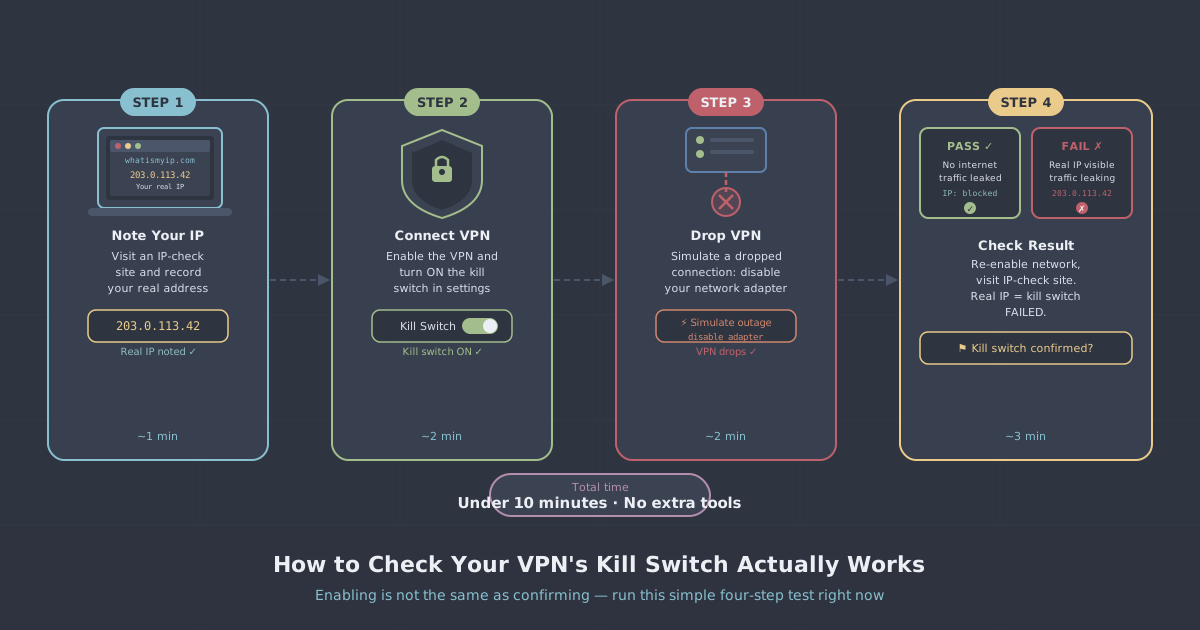
Your VPN connection can drop. It doesn't happen often, but it happens — a momentary network glitch, a server restart, or switching from Wi-Fi to mobile data. When it does, without a kill switch, your device immediately falls back to your regular internet connection, exposing your real IP address.
What Exactly Is a Kill Switch?
A kill switch is a feature built into VPN apps that monitors your VPN connection in real time. The moment it detects the VPN has dropped, it immediately blocks all internet traffic from your device. No data goes in or out until the VPN reconnects.
Think of it as an emergency brake. The VPN tunnel is your safe road. If the road disappears, the kill switch stops you instantly rather than letting you drive off a cliff.
What Happens Without a Kill Switch
Without one, a VPN disconnection means:
- Your real IP address is immediately exposed to every website and service you're connected to
- Your ISP can suddenly see all your traffic again
- If you're torrenting, your real IP is broadcast to every peer in the swarm
- Any sensitive activity — banking, work, private browsing — is momentarily unprotected
The worst part: you probably won't notice. VPN drops are usually brief — a few seconds. Your browser continues loading pages, your torrent client continues downloading. Everything feels normal, but your privacy was compromised.
Types of Kill Switch
App-level kill switch: Only blocks traffic from the VPN app itself. Other apps on your device may still connect directly. Better than nothing, but not comprehensive.
System-level kill switch: Blocks ALL internet traffic from your device when the VPN drops. This is what PremierVPN uses — nothing gets through unless it goes through the VPN tunnel.
How PremierVPN's Kill Switch Works
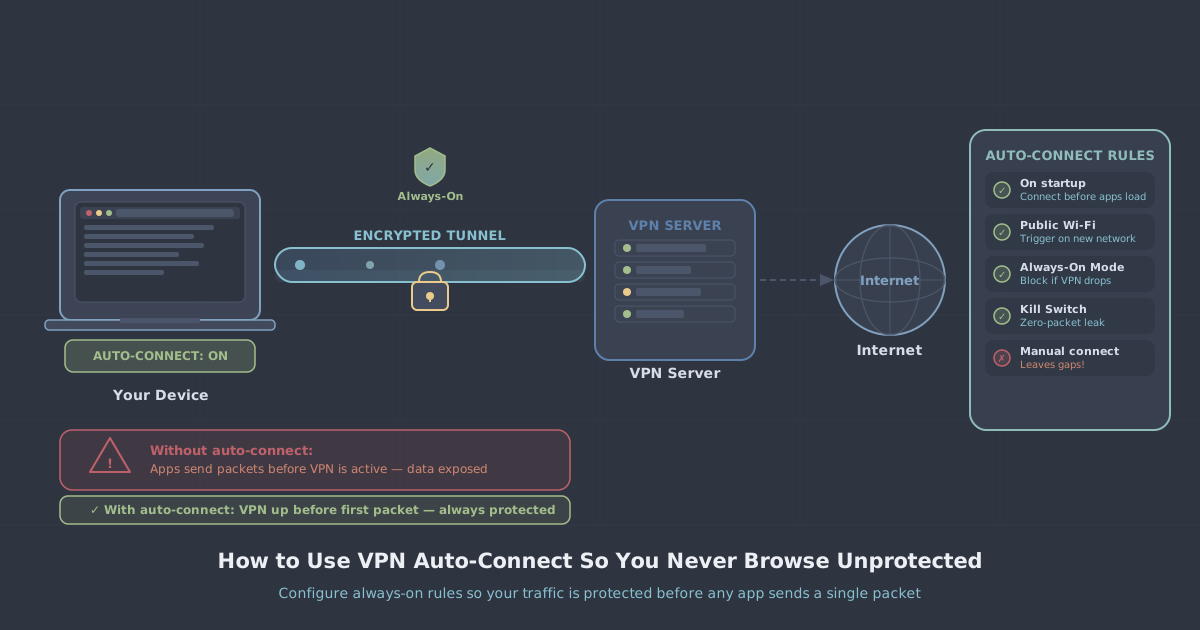
Our kill switch is enabled by default on all platforms. It works at the firewall level — when you connect to PremierVPN, we add firewall rules that only allow traffic through the VPN interface. If the VPN drops, those rules remain in place, blocking all direct internet access until the connection is restored.
You don't need to configure anything. It's automatic, it's always on, and it works even if the VPN app crashes.
When It Matters Most
- Torrenting: A split-second exposure can reveal your real IP to copyright monitors
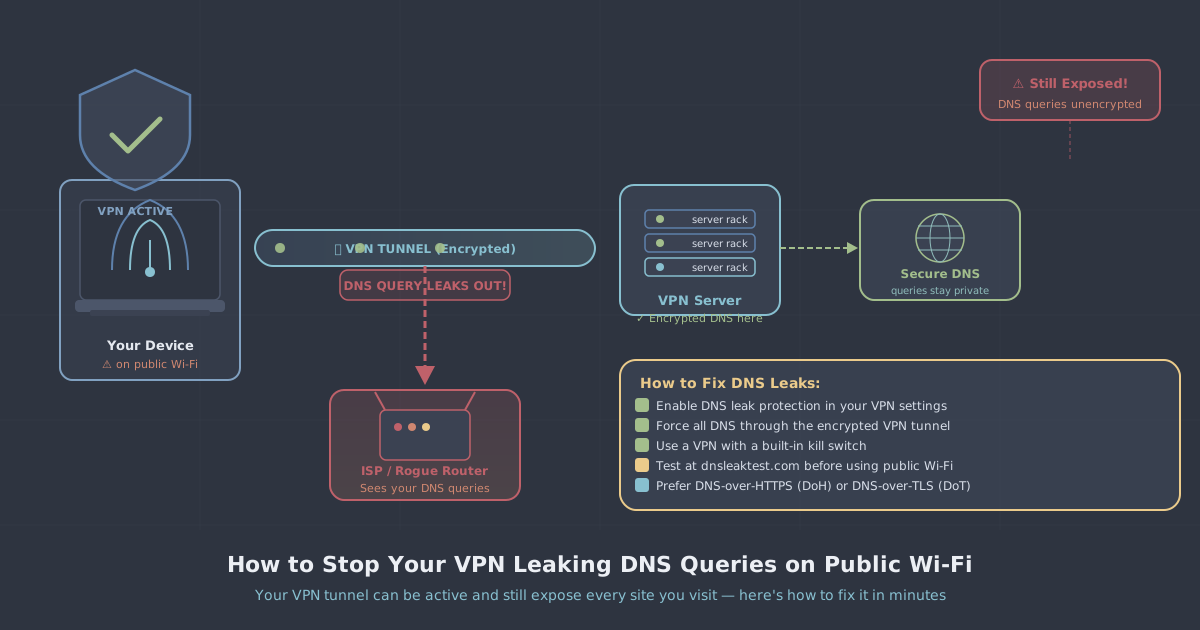
- Public Wi-Fi: A VPN drop on a public network leaves you completely exposed
- Censored countries: A momentary VPN drop could reveal you're accessing blocked content
- Remote work: Company data must never traverse an unencrypted connection
The Bottom Line
A VPN without a kill switch is like a seatbelt that unbuckles itself during a crash. Make sure yours is always enabled — and if your current VPN provider doesn't offer one, that's a serious red flag.